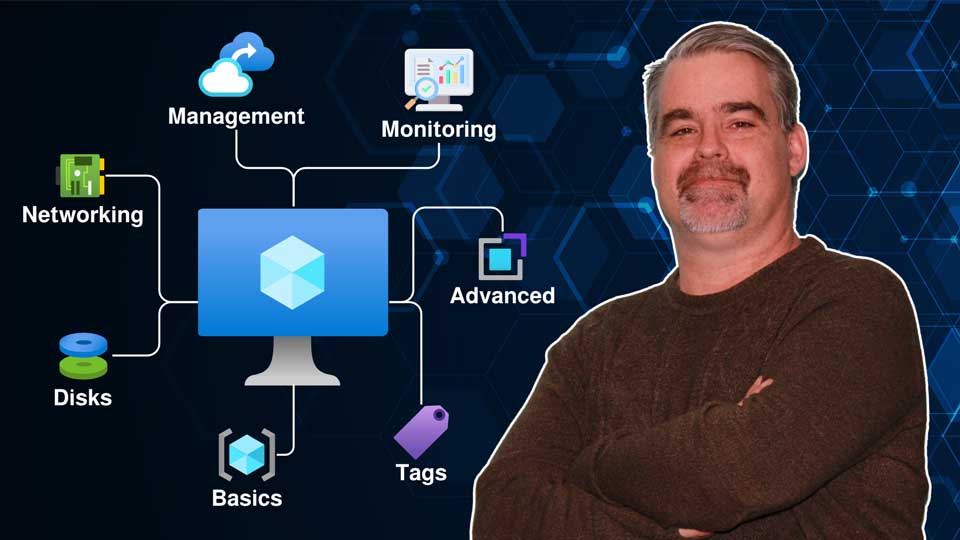
Build the full infrastructure foundation before any monitoring begins. You'll deploy a resource group, a security group for access control, a Windows Server VM, a Linux VM, configure NSG rules, install IIS remotely, and deploy a web app backed by a SQL database — the complete set of resources that Azure Monitor will later observe.
Create the central data store for all monitoring telemetry in the project. You'll deploy a Log Analytics workspace, enable VM Insights for the Linux VM, configure data retention and daily cap policies, and assign the App Log Examiners group reader access.
Turn on application-layer monitoring for the web app and SQL database deployed in Module 1. You'll enable Application Insights, then configure HTTP logs and SQL telemetry to stream into Log Analytics — giving you full-stack visibility across both the app and its database.
Set up structured data collection from your virtual machines using Azure Monitor Agent. You'll create a data collection endpoint, build a data collection rule to capture Windows Event logs from WS-VM1, extend it with IIS log collection, and configure a Network Connection Monitor test between the two VMs.
Bring the monitoring environment to life with automated alerting. You'll create an action group that sends email notifications, then build a CPU utilization alert rule on Linux-VM2 — so Azure Monitor proactively notifies you when something needs attention.