
In this lab, you will learn how to restore a virtual machine (VM) using Azure Backup, a crucial process for ensuring business continuity and recovering from data loss or system issues.
You will step through the process of selecting a recovery point and performing a full VM restoration to recover the VM to a previous stable state.
This lab provides hands-on experience with Azure’s robust backup and restore functionality, enabling you to manage and restore VMs efficiently in case of failures or errors.
By the end of this exercise, you will be able to restore a VM to a previous point in time using Azure Backup and ensure that it is fully operational, which is essential for any IT professional working with Azure infrastructure.
The skills you learn in this lab are necessary to pass the following Azure certification exams:
🔒 To access the hands-on portion of this lab, you must be a labITpro Supporter, or have a subscription to Azure Skillbuilder, or have a subscription to the Azure Administrator Series.
Already have a subscription to this collection? Log in to access the lab.
Join over 100,00 IT professionals who have already used this top-rated AZ-900 exam-prep bootcamp to learn the fundamentals of Microsoft Azure and to prepare for the AZ-900 certification exam.
Become a labITpro Supporter and get FREE ACCES to this 6-Hour Bootcamp!
This feature is available to labITpro Supporters only.
Fast lookup for orchestration modes, autoscaling, load balancing, updates & CLI.
| Mode | Profile | Best For |
|---|---|---|
| Flexible | Standard Azure VMs | New workloads (default) |
| Uniform | Identical VMs | Legacy large-scale workloads |
| Feature | Flexible | Uniform |
|---|---|---|
| Standard VM APIs | Yes | No |
| Mix instance types | Yes | No |
| RBAC per VM | Yes | No |
| Azure Backup | Yes | No |
| Site Recovery | Yes | No |
| Fault domains | 1–3 | 1–5 |
| Type | Layer | Best For |
|---|---|---|
| Internal LB | L4 | Backend pools |
| Public LB | L4 | External traffic |
| App Gateway | L7 | HTTP/HTTPS + WAF |
| Policy | Rollout | Use |
|---|---|---|
| Automatic | Batch | App can tolerate disruption |
| Rolling | Controlled | Gradual, managed updates |
| Manual | On-demand | Full control; explicit API calls |

Learn what you need to know to get started with Microsoft Entra ID with this easily-digestible 5-hour bootcamp from best-selling instructor, Thomas Mitchell.
Disable these ads by becoming a labITpro Supporter!

Want to learn about Azure virtual networks? In this quick-hitting explanation, you’ll learn what they are, what they do, and you’ll learn about key Azure vNet features.
Disable these ads by becoming a labITpro Supporter!
Have a question?
Ask The Author is available exclusively for labIT Pro Supporters. Become a Supporter for a nominal fee and get direct answers from the lab creator.
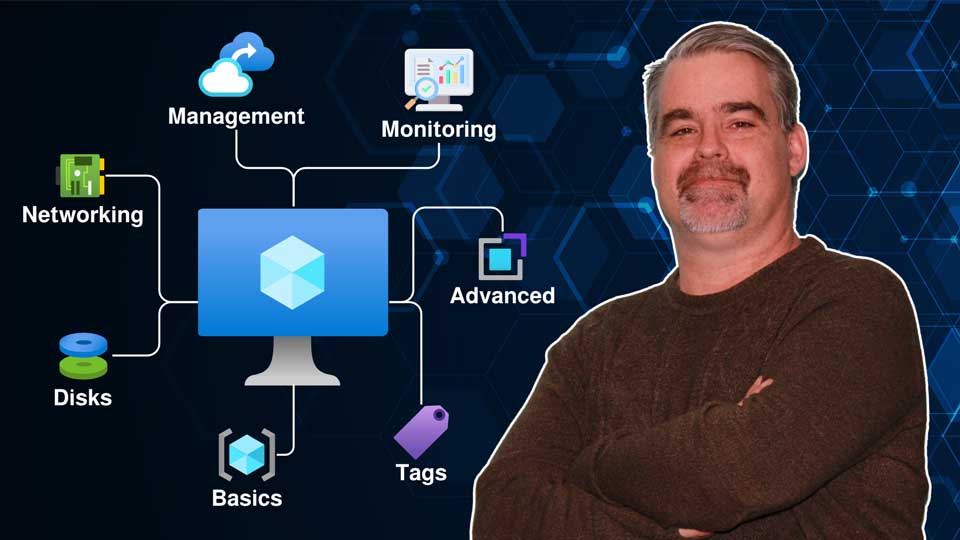
Want to know more about Azure VMs and all their settings? This brief micro-course takes you step by step through every option you’ll encounter when creating a Windows VM in Azure, so you know what it does and when to use it.
Disable these ads by becoming a labITpro Supporter!
